My ultimate Claude teacher assistant guide
The Teacher Helper Project
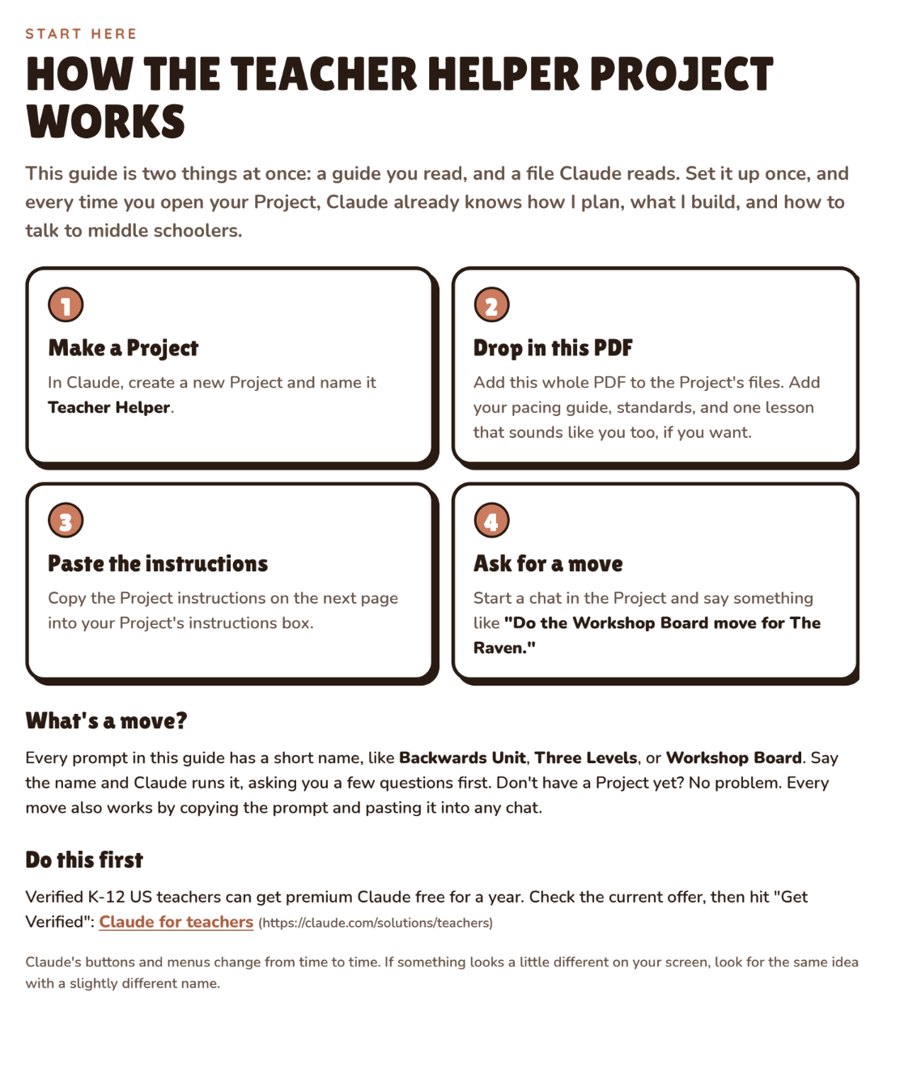
Drop it into Claude and it works the way I work. Make a Project, add the guide, and just say "Do the Workshop Board move for The Raven." Claude asks a few questions, then builds it.
- 41 ready-to-run moves for planning, differentiation, parent emails, PBL, annotation, and assessments
- Build It: workshop boards, student study tools, review games, and Canva Bulk Create
- Claude Advanced: Projects, Skills, and letting Claude do the work on your computer
- Idea to Activity: turn one rough idea into a one-pager, a full mini-unit, even a product you can sell
- Real screenshots from my classroom, plus links to every demo video
- Always up to date: one link that always has the newest version
A PDF for your personal classroom use. Works with Claude, including the free account for verified K-12 teachers (check the teacher offer).
Claude demos
Watch It, Then Get It
Tap play to watch a quick demo from my classroom, then grab the guide that teaches you to do it.
Backwards planning my PBL units
Learn it in: PBL Backwards Planning with Claude
Get the PBL planning guideClaude runs my teacher business
Learn it in: How I Use Claude to Run My Teacher Business
Get the business guideShop my Claude guides
More Claude Guides
Want to go deep on one thing? These walk you through it step by step.
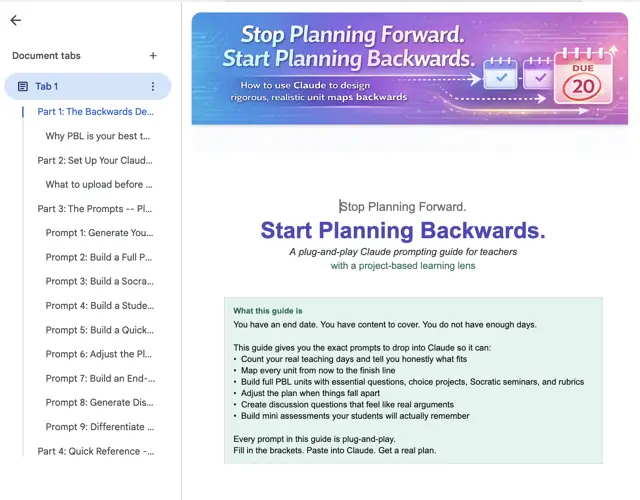
PBL Backwards Planning with Claude
Start with the final project and let Claude help you plan backwards.
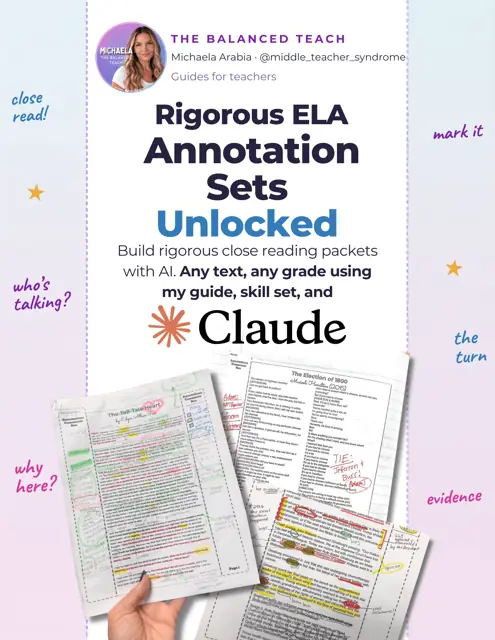
Annotation Unlocked
Build annotation packets for ANY text, any grade, in about 10 minutes with AI.
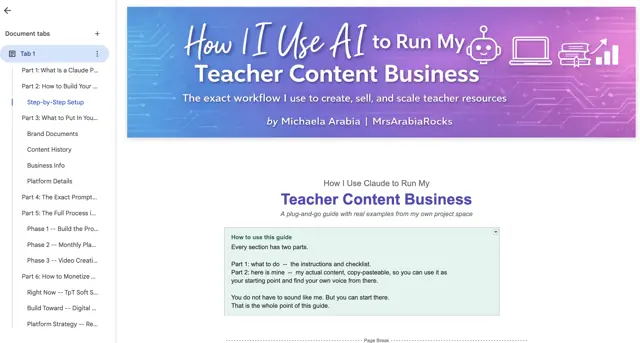
How I Use Claude to Run My Teacher Business
For my fellow teacher creators: how I use Claude behind the scenes.
Copy, paste, done
Try These Free
Three of my favorite prompts, on the house. Copy one, paste it into Claude, and swap the [brackets] for your stuff.
Backwards-design a unit
When you have a text or topic and a blank calendar staring at you.
You are helping me plan a unit using backwards design. I teach [grade] [subject]. The unit is on [text or topic] and I have [number] class periods of [length] minutes.
Start with the end: give me 3 possible summative assessments students could do to show mastery. For each, tell me what standard or skill it proves.
Then, once I pick one, we will map the daily lessons backward from it. Ask me which assessment I want before you build the calendar.
Keep it real for middle schoolers. No busywork.
Ask me some questions to make sure I get the best output possible.
Three readiness levels of the same text
When one reading is too hard for half the room and too easy for the other half.
Here is a reading passage for my [grade] [subject] class: [paste passage].
Rewrite it at 3 readiness levels while keeping the same key ideas and vocabulary goals:
1. Below grade level (shorter sentences, more scaffolding)
2. On grade level
3. Above grade level (more complex text, a stretch question)
For each version, add 2 comprehension questions and 1 discussion question. Do not water down the thinking, just the reading load.
Ask me some questions to make sure I get the best output possible.
The tricky parent email
When you need to be honest without starting a war.
Help me write an email to a parent. Here is the situation: [describe what happened, plain and honest].
Tone: warm, professional, and clear. I am not apologizing for holding a standard, but I want the parent on my team. Keep it short. Lead with something positive about their kid if there is one. End with a specific next step.
Give me two versions: one softer, one more direct.
Ask me some questions to make sure I get the best output possible.
That's 3 of my 41 moves. The other 38 (workshop boards, study tools, sub plans, rubrics, Projects, Skills, and more) are waiting in The Teacher Helper Project.
See what's insideSneak peek
What's Inside
Three levels, so you can start easy and grow into the advanced stuff.
Claude for Beginners
Copy-paste moves that get your night back: Backwards Unit, Sub Plans, Three Levels, Tricky Parent Email, Quick Rubric, Exit Tickets, and more.
Build It
Claude builds things you put on your screen and share with students: Workshop Board, Study Tool, Review Game, Student Hub, Bulk Create Table.
Claude Advanced
A Claude that already knows your classroom: Classroom HQ Project, Feedback Partner, PBL Remix Machine Skill, and Monday Week Ahead.
See one I actually built
The Outsiders study tool, for my real students
A student-facing coach for theme, motif, conflict, plot, and symbolism, built from our actual class materials. It refuses anything off-topic, and yes, it has a 1960s vibe. The exact prompt is the Study Tool move in The Teacher Helper Project.
More done-for-you guides
Want It ALL?
Already built, already pretty, ready for your classroom.
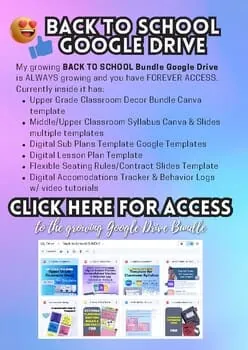
Want ALL my guides in one place? My Teacher Toolkit Drive is my whole library in one link: AI and Canva prompt guides, a full year of agenda slides, annotation templates, projects, decor, sub plans, and more. Always growing, lifetime access.
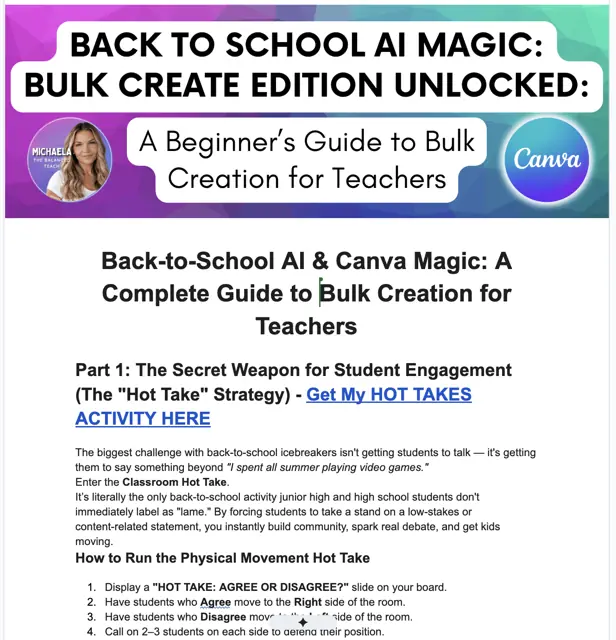
Hot Takes: AI and Canva Magic
My beginner's guide to Bulk Create. Make a year of slides while your coffee is still hot.
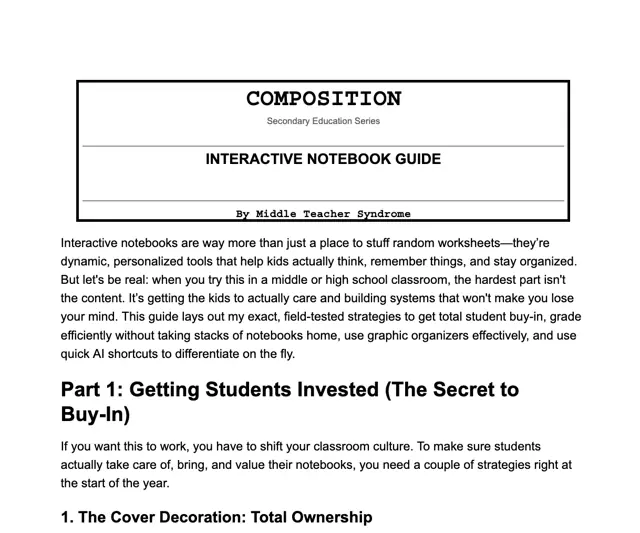
Interactive Notebooks Unlocked
How to launch, grade, and create interactive notebooks with AI tools.
Start free
Annotate!
Free Annotations Guide, Grades 5 to 12
Exactly how I teach annotating, step by step. Perfect before blacklight week!

Teacher Tools Cheat Sheet
The AI tools I tell EVERY teacher to try.
This Is Just the Start
I post new prompts, demos, and classroom moves every week. Scan to follow, then come hang out. That is where all the good stuff lives.
Scan to follow Instagram@Middle_Teacher_SyndromeScan to follow
 TikTok@middle_teacher_syndromeScan to follow
 FacebookMiddle Teacher Syndrome
Instagram@Middle_Teacher_SyndromeScan to followTikTok@middle_teacher_syndromeScan to followFacebookMiddle Teacher SyndromeWebinar handout
How to build a novel study with Claude for Education
The step-by-step one-pager from the session.